Ten years ago, “internet in your car” meant tethering your phone to the dash with a cable and hoping you didn’t run out of data before you hit the interstate.
In 2026, that’s changed almost completely. New vehicles now ship with their own cellular modems, their own Wi-Fi hotspots, and in a few cases, a direct line to satellites overhead when there’s no cell tower for miles.
If you’re shopping for a new vehicle in the Omaha area, or you already own one and are trying to figure out why your hotspot feels slow on I-680, this guide breaks down what’s actually happening with in-car internet right now, what kind of speeds you can realistically expect, and how it all plays out here in eastern Nebraska specifically.

Why Your Car Has Its Own Internet Connection Now
Modern vehicles connect to the internet the same basic way your phone does: through a cellular modem built into the car, tied to a specific carrier, with a data plan attached. That’s different from just using your phone as a hotspot, and it comes with a few real advantages.
A built-in vehicle hotspot uses the car’s exterior-mounted antenna and constant power source, which generally means a stronger, steadier signal than a phone hotspot bouncing around in a cup holder — and it won’t drain your phone’s battery in the process.
Here’s a quick look at how it breaks down across the brands most relevant to Omaha-area drivers:
| Brand / Platform | System Name | Carrier Partner | Typical Speed Class | Devices Supported |
|---|---|---|---|---|
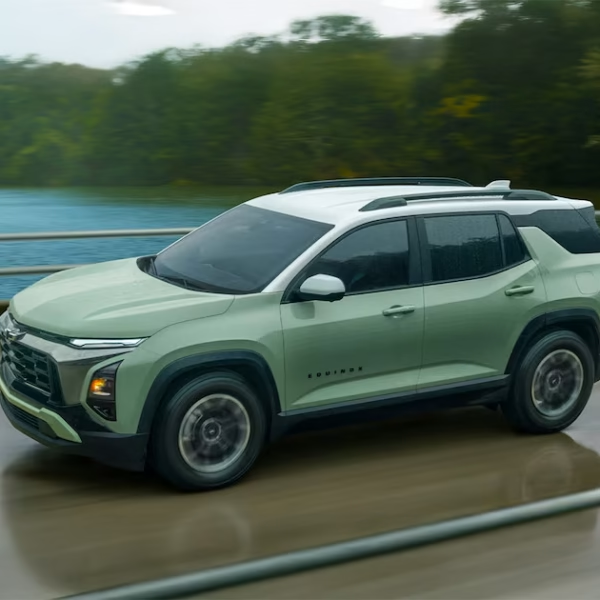
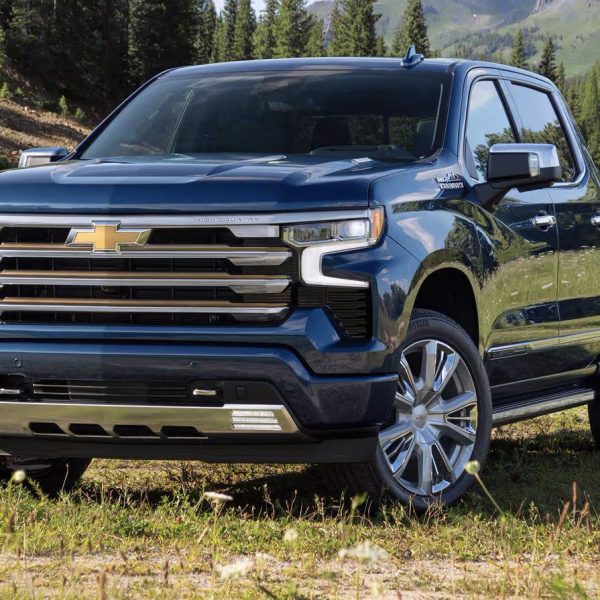
| Chevrolet | OnStar Wi-Fi Hotspot | AT&T | 4G LTE | Up to 7 devices |
| Kia | Kia Connect Wi-Fi Hotspot | Verizon | 4G LTE | Up to 5 devices |
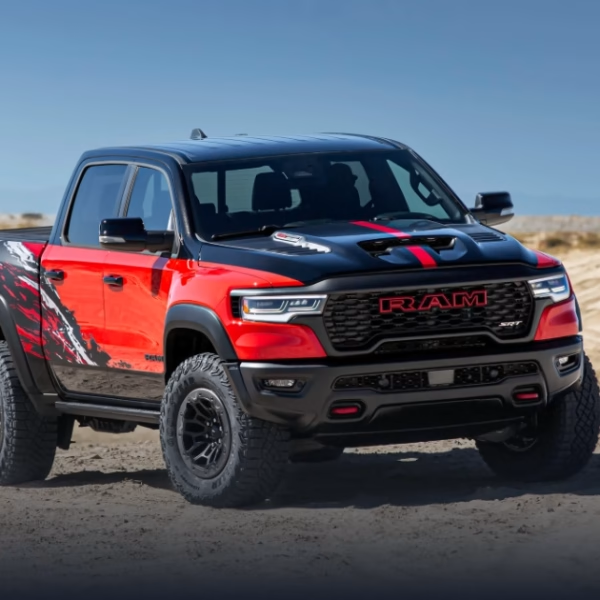
| Jeep / Dodge / Ram (Uconnect 5) | Uconnect 5 Hotspot | Varies by carrier partner | 4G LTE, with newer hardware supporting 5G speeds | Up to 8 devices |
A few things worth knowing about how these actually work day to day:
- Nobody gets truly unlimited data forever. Most brands include a short trial (often 3 months or a few gigabytes, whichever comes first), and after that you’re paying for a data plan through the carrier partner — not through the automaker.
- The hotspot doesn’t turn on by itself. On most systems, including Kia Connect, you’ll need to manually enable the hotspot each time you start the car unless you’ve changed a setting to keep it on.
- Range extends past the vehicle. GM’s OnStar hotspot, for example, works up to about 50 feet from the car, which is genuinely handy for tailgating at a Husker game or working from a campsite.
- The bottleneck usually isn’t the car — it’s the coverage in the area you’re driving through.
What’s New in 2026: Real Speed Improvements
The biggest shift this year isn’t a new gadget, it’s a hardware and software upgrade happening under the surface.
Stellantis’s Uconnect 5 platform, used across Jeep, Dodge, Chrysler, and Ram vehicles, has moved to new modem hardware and an updated operating system that pushes hotspot speeds several times faster than the previous generation, effectively stepping the experience up from basic 4G LTE toward 5G-class performance on newer builds.
If you’ve test-driven a 2026 Ram 1500 or Jeep Grand Cherokee and noticed the infotainment screen feels quicker to load traffic and streaming data, that’s part of why.
Kia and Chevrolet’s systems remain LTE-based for most current models, which is still plenty fast for the things people actually use a car hotspot for: navigation, music and podcast streaming, video calls for passengers, and the occasional Zoom call from the truck.
How This Actually Plays Out in Omaha
Coverage quality depends entirely on which carrier your vehicle’s hotspot runs on, and carriers are not created equal here in Nebraska. This matters more than most shoppers realize, because you can’t swap the carrier partner your OnStar, Kia Connect, or Uconnect system uses.
Here’s the general state of 5G and 4G LTE coverage across the metro, based on current carrier and independent coverage data:
| Carrier | Omaha 5G Coverage | Notes for Local Drivers |
|---|---|---|
| Verizon | Roughly 92-94% of the metro | Widest overall coverage and typically the most consistent signal across the metro, including outlying suburbs |
| T-Mobile | Roughly 93-94% of the metro | Fastest median download speeds in local testing; strong choice for data-heavy hotspot use |
| AT&T | Broad 4G LTE coverage, but limited true 5G in the metro | Reaches nearly the entire footprint on LTE, but 5G is still catching up locally |
Practically speaking, that means:
- A Kia with its Verizon-based Kia Connect hotspot should feel solid nearly anywhere in the Omaha metro, including out toward Elkhorn, Papillion, and Bellevue.
- A Chevrolet running OnStar on AT&T will have dependable coverage for calls, texts, and everyday hotspot use, though 5G-level speeds are still limited across most of the metro.
- A Jeep, Dodge, or Ram on Uconnect 5 benefits most from the newer 5G-capable hardware when paired with a carrier that has strong local 5G, which is increasingly the case as carrier partnerships expand.
If your daily driving is mostly around the city — commuting, running kids to practice, grocery runs — any of these systems will feel fast enough for practical use. The differences show up more on longer trips out toward Lincoln, York, or western Iowa, where 5G thins out and 4G LTE reliability starts to matter more than peak speed.
The Next Big Thing: Satellite Connectivity
The most interesting development in connectivity this year isn’t really about cars at all, but it’s starting to matter for drivers. T-Mobile’s T-Satellite service, built on SpaceX’s Starlink direct-to-cell satellites, now lets compatible phones send texts and basic data even in areas with zero traditional cell coverage.
That’s a big deal for a state with as much open highway as Nebraska has, especially for anyone who drives through the more rural stretches west of the metro on a regular basis.
Vehicle hotspots themselves aren’t satellite-connected yet, but as this technology matures, it’s a reasonable bet that future model years will start incorporating it, closing the dead-zone gaps that still show up on rural Nebraska roads today.
Tips for Getting the Most Out of Your Car’s Internet
- Check the carrier before you buy, not after. If you’re regularly out in areas where one carrier is weaker, that matters more than which brand of hotspot you’re using.
- Don’t stack two data plans unless you need to. Some owners pay for a phone hotspot plan and a vehicle data plan without realizing the two rarely need to run at the same time.
- Restart the system if speeds drop. A quick reboot of the infotainment system resolves the vast majority of hotspot slowdowns reported by owners.
- Use the free trial before committing. Every brand covered here offers some kind of trial period — actually test it on your normal routes before paying for an ongoing plan.
- Remember range has limits. Most in-vehicle hotspots stop working well beyond 30-50 feet from the car, and none of them work with the engine fully off on older systems.
Frequently Asked Questions
Does my car’s internet hotspot cost extra money? Yes, in almost every case. Automakers typically include a short free trial (often a few months or a data cap, whichever comes first), and after that you’ll pay the carrier partner directly for a continuing data plan.
Can I use my own SIM card in my car’s hotspot? No. Vehicle hotspots are tied to a specific carrier partnership set by the automaker (AT&T for OnStar, Verizon for Kia Connect, and varying partners for Uconnect 5), so you can’t swap in your own SIM the way you might with a personal mobile hotspot device.
Is 5G available in my car in the Omaha area? It depends on your vehicle’s carrier partner and your specific location in the metro. T-Mobile and Verizon both offer strong 5G coverage across most of the Omaha area, while AT&T’s local 5G footprint is still more limited, which affects OnStar-equipped Chevrolets more than Kia or newer Uconnect 5 vehicles.
Will my phone’s hotspot work just as well as my car’s built-in hotspot? For light use, sure. But a built-in vehicle hotspot generally has a stronger signal thanks to an exterior antenna and doesn’t drain your phone’s battery, which makes it a better option for passengers streaming video or working during longer drives.
Do I need to turn on my car’s Wi-Fi hotspot every time I drive? On most systems, yes — including Kia Connect, which requires manually enabling the hotspot each time unless the setting has been changed. Check your owner’s manual or infotainment settings menu for the specific steps for your vehicle.
What should I do if my car’s Wi-Fi hotspot is slow or won’t connect? Start by confirming your data plan is active, then restart the infotainment system — this resolves most connectivity issues. If problems continue, your dealership’s service department can check for software updates or hardware issues.
References
- OnStar, “In-Vehicle Wi-Fi Hotspot”: https://www.onstar.com/features/entertainment/in-vehicle-wi-fi-hotspot
- GMC Support, “How to Use Your In-Vehicle Data & WiFi Hotspot”: https://www.gmc.com/support/onstar/data-wifi-hotspot/how-to-use
- Kia Owners Portal, “Wi-Fi Hotspot”: https://owners.kia.com/us/en/wifi-hotspot.html
- Kia Owners Portal, “Compare Packages”: https://owners.kia.com/content/owners/en/uvo-compare-packages.html
- Christopher’s Dodge Ram Inc, “Your Uconnect 5 System”: https://www.cdodge.com/your-uconnect5-system.htm
- Ram Trucks, “Uconnect”: https://www.ramtrucks.com/uconnect.html
- CoverageMap, “Omaha Cell Coverage Map (2026)”: https://coveragemap.com/coverage/us/nebraska/sarpy/omaha
- BestNeighborhood.org, “Mobile Coverage & Cell Phone Plans in Omaha, NE”: https://bestneighborhood.org/mobile-and-cell-omaha-ne/
- WhistleOut, “Who Has The Best Cell Phone Coverage in Nebraska?”: https://www.whistleout.com/CellPhones/Guides/Best-Coverage-in-Nebraska-USA
- InternetProviders.ai, “Omaha Internet Guide 2026”: https://www.internetproviders.ai/internet/ne/omaha/
- SatelliteInternet.com, “Starlink T-Satellite: Cost, Compatible Phones & Coverage (2026)”: https://www.satelliteinternet.com/providers/starlink/starlink-direct-to-cell/
- KeepTrack, “Starlink Direct to Cell Status and Phones 2026”: https://keeptrack.space/deep-dive/starlink-direct-to-cell